Xbox Wireless Controller 2025 Setup Guide
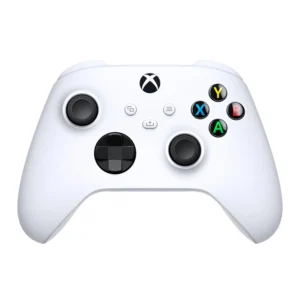
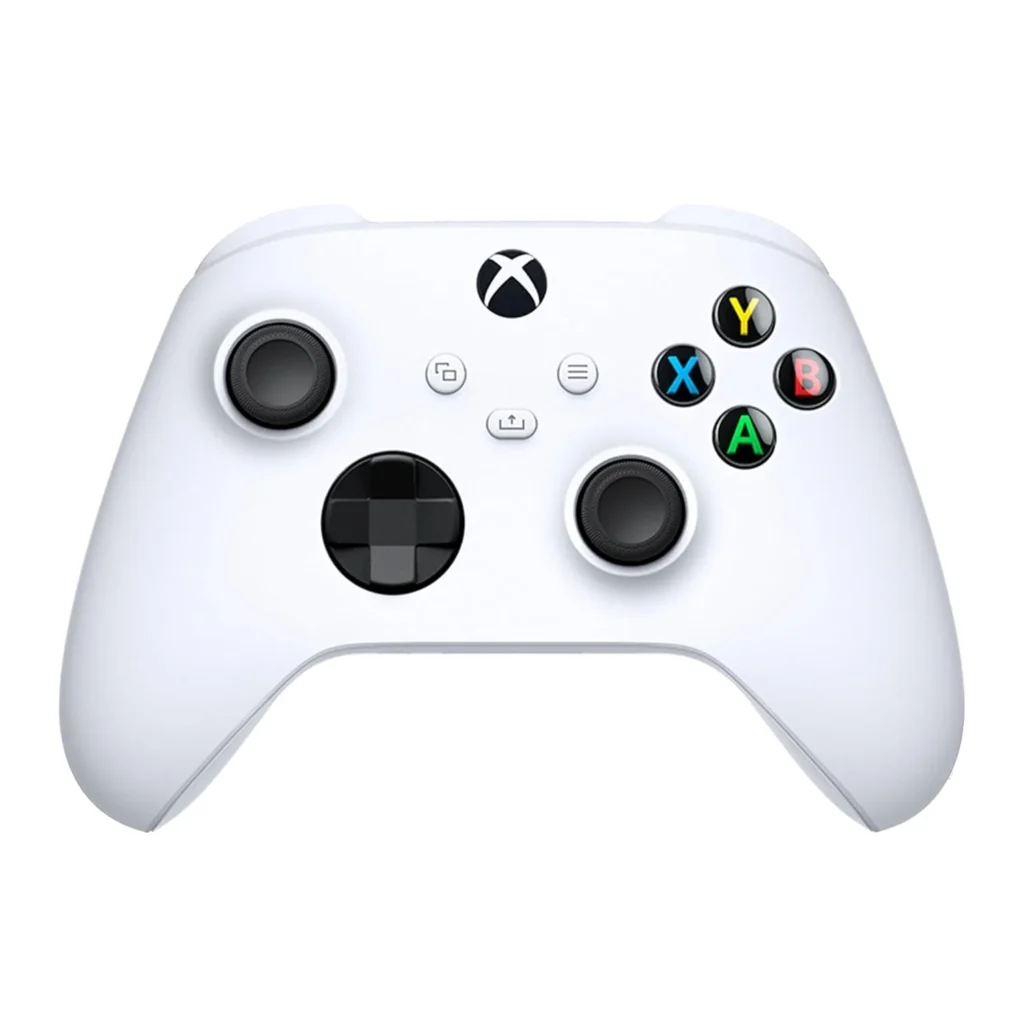
Experience the updated design of the Xbox Wireless Controller in Robot White. Its sculpted surfaces and refined geometry offer improved comfort during long gaming sessions, with up to 40 hours of battery life. A hybrid D-pad and textured grip on the triggers, bumpers, and back-case help you stay precise. Easily capture and share screenshots or recordings with the dedicated Share button.
Connect to your console or PC using the USB-C port for direct plug-and-play, while the rear compartment supports AA batteries. Plug any compatible headset into the 3.5mm audio jack. Customize your controller with the Xbox accessories app to remap buttons and create profiles for your games. You can quickly pair with and switch between your devices.
*Important: Compatible with select devices and operating systems; details at xbox.com/controller-compatibility. Battery life varies with headset use, accessories, and other factors. Button mapping via the Xbox Accessories app is available for Xbox Series X|S, Xbox One, and Windows 10/11; the Windows app requires a compatible USB-C cable (sold separately).
The Xbox Wireless Controller has a modern design with sculpted surfaces and refined geometry for better comfort during long gaming sessions. Its battery lasts up to 40 hours. Stay in control with the new hybrid D-pad and textured grip on the triggers, bumpers, and back. Use the dedicated Share button to easily capture and share screenshots or recordings. You can play anywhere, thanks to Xbox Wireless and Bluetooth technology for pairing with Xbox, Windows PCs, Android, iOS, Fire TV Sticks, smart TVs, and VR headsets. Plug any compatible headset into the 3.5mm audio jack. Use the USB-C port to connect directly to your console or PC. You can also remap the buttons to your preference using the Xbox Accessories app*.