61gavyuf4pl Ac Sl1500 -1770767264
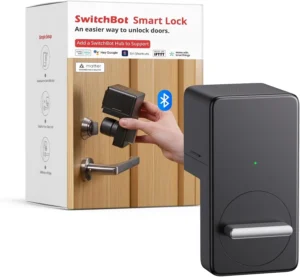
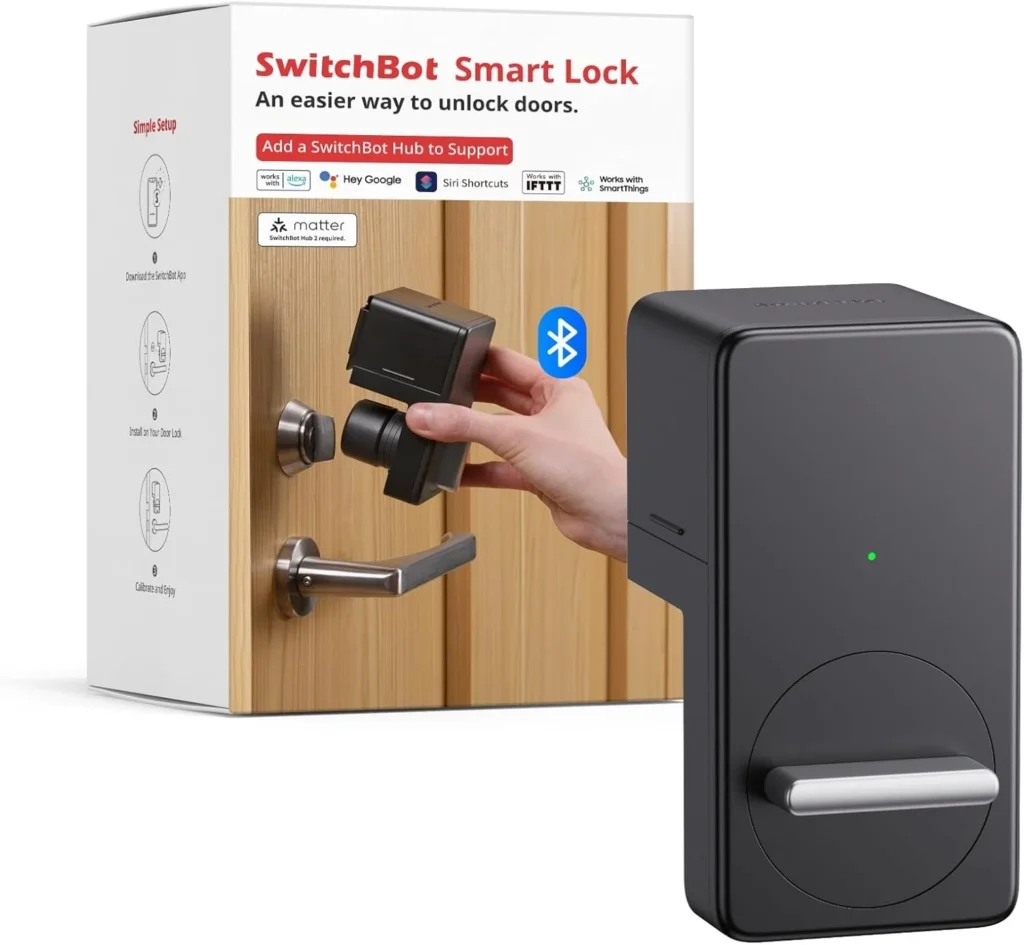
SwitchBot Smart Lock Keyless Door Entry
Easy Installation & Broad Compatibility (Not Universal)
No tools are needed—you can install it in minutes using the included 3M adhesive. Drilling is also an option if you prefer. It’s designed to work with many standard door locks without damaging your existing hardware. Keep in mind that compatibility isn’t universal and depends on your door and lock structure. Before buying, please check your lock type, dimensions, and mounting clearance, or reach out to our customer support to confirm it will fit.
Auto-Lock with Custom Timers & Home Sharing
Set a personalized auto-lock timer so your door locks automatically after it’s been closed for a set time. Use the SwitchBot app to check the lock status and securely share access with family through Home Sharing. For Auto-Lock to work properly, the gap between the magnet and the lock must be 30mm or less—otherwise, door open/close detection may be inaccurate.
Secure, Reliable & Long-Lasting Performance
The lock uses ATS-128-CTR encryption to keep your access secure. You’ll get real-time notifications and can check the lock status anytime in the app. It runs on long-lasting batteries that can go up to 180 days on a single charge (based on about 10 uses per day; actual battery life depends on usage and environment).
Apple Home & Siri Control via SwitchBot Hub (Specific Conditions Apply)
SwitchBot Lock can work with Apple Home and Siri when set up correctly. To use Siri Shortcuts for locking/unlocking, you’ll need the SwitchBot App v9.17 or later and a SwitchBot Hub within Bluetooth range of the lock (the lock will connect to the hub automatically). Voice control, remote access, and Apple Home integration all require a SwitchBot Hub. If you pair it with a SwitchBot Hub 2 (2nd Gen), the lock becomes Matter-enabled and can be controlled through Apple Home.
Worry-Free Warranty & Free Replacement
If your SwitchBot Lock has any quality-related issues, or if included accessories like adhesive pads don’t apply properly, we offer a free replacement for hardware problems during the warranty period. If the lock jams, please update it to the latest firmware first, then contact our customer support for step-by-step help to resolve the issue.