Google Nest Learning Thermostat Setup Guide
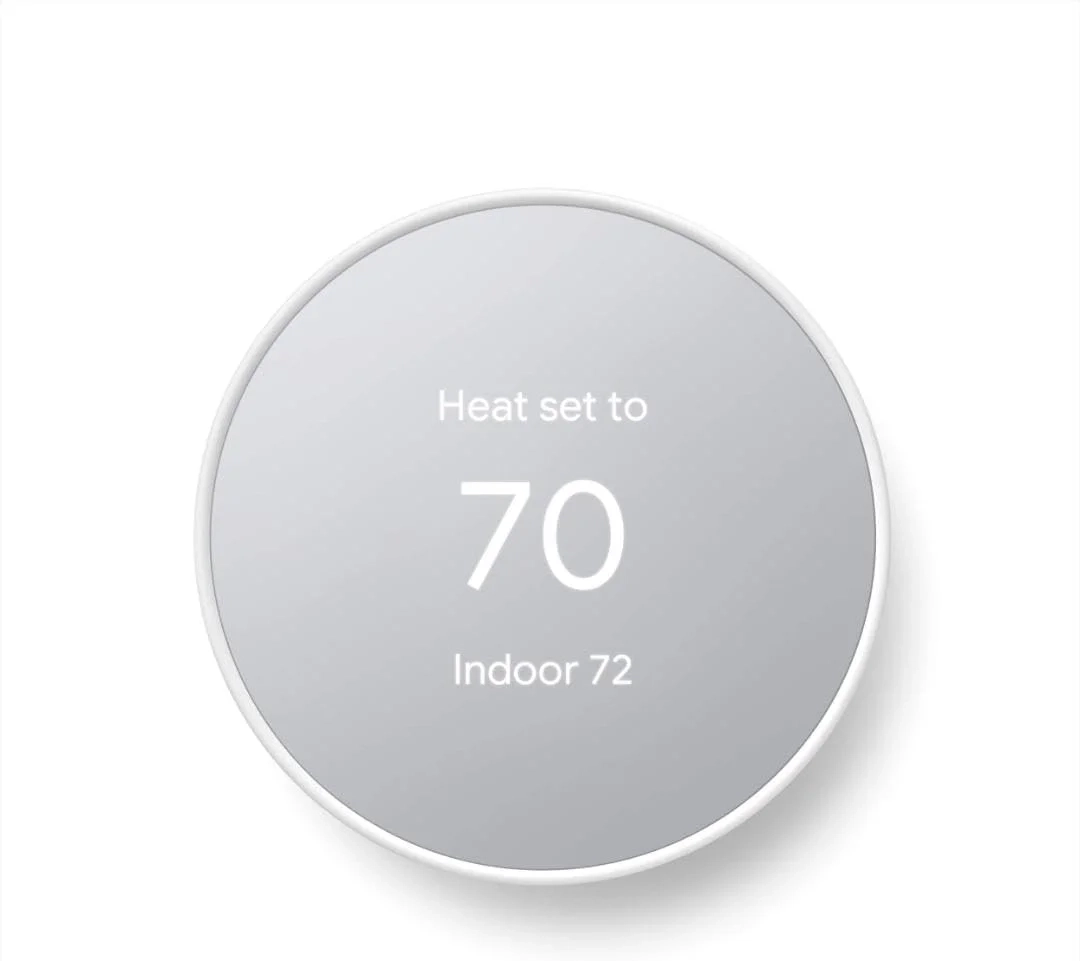
Meet the Google Nest thermostat, a smart thermostat at a cozy price. It saves energy by turning itself down when you’re away and gets your home comfortable again before you return. You can control it from anywhere using the Google Home app, whether you’re out or at home. It’s designed for easy self-installation, usually in 30 minutes or less.
Remote control and mobile notifications require working internet and Wi-Fi. The thermostat can send alerts About potential issues with eligible HVAC systems; these are helpful informational notes, not a warranty or a replacement for a professional diagnosis.
Voice control requires a compatible device along with internet and Wi-Fi. The thermostat is designed to work without a common (C) wire, though some systems may require one or a power-supply accessory.
ENERGY STAR and its mark are registered trademarks of the U.S. Environmental Protection Agency.
Nest Renew is available for the 3rd generation Nest Learning Thermostat, Nest Thermostat E, or the newest Nest Thermostat in areas served by major continental US grids, for customers on certain electric utility time-of-use rates. It only shifts electricity usage from your heating and cooling.
The thermostat connects via Wi-Fi (2.4 GHz and 5 GHz) and Bluetooth Low Energy.
The Nest Thermostat is an ENERGY STAR certified smart thermostat that helps you save energy and stay comfortable. You can check your system’s compatibility before purchase using the online Nest Compatibility Checker on the Google Nest support page. It connects via Wi-Fi.
The thermostat is designed to work without a C wire in most homes, but some systems—like heating only, cooling only, zone-controlled, or heat pump systems—will require a C wire or a compatible power accessory. It does not have a lock feature.
It automatically turns itself down when you leave to avoid heating or cooling an empty home. You can easily program an energy-efficient schedule in the Google Home app on your Android or iPhone. Family members can remotely adjust the temperature from anywhere using a phone, laptop, or tablet.
Its Savings Finder feature looks for more ways to save and suggests schedule tweaks in the app. Check with your energy provider for potential rebates. The thermostat also monitors your HVAC system, sending alerts if something seems wrong and providing helpful maintenance reminders.
You can control it with Google Home and other smart home platforms. It’s compatible with Google Assistant and all Matter-certified voice assistants, though voice control requires a compatible smart device.